How to Join the Viral Bulin 47 TikTok Trend with AI
Join the Bulin 47 TikTok trend with a photo-based AI rap remix. Learn the steps, credit costs, audio limitations, and how to download and share your video.
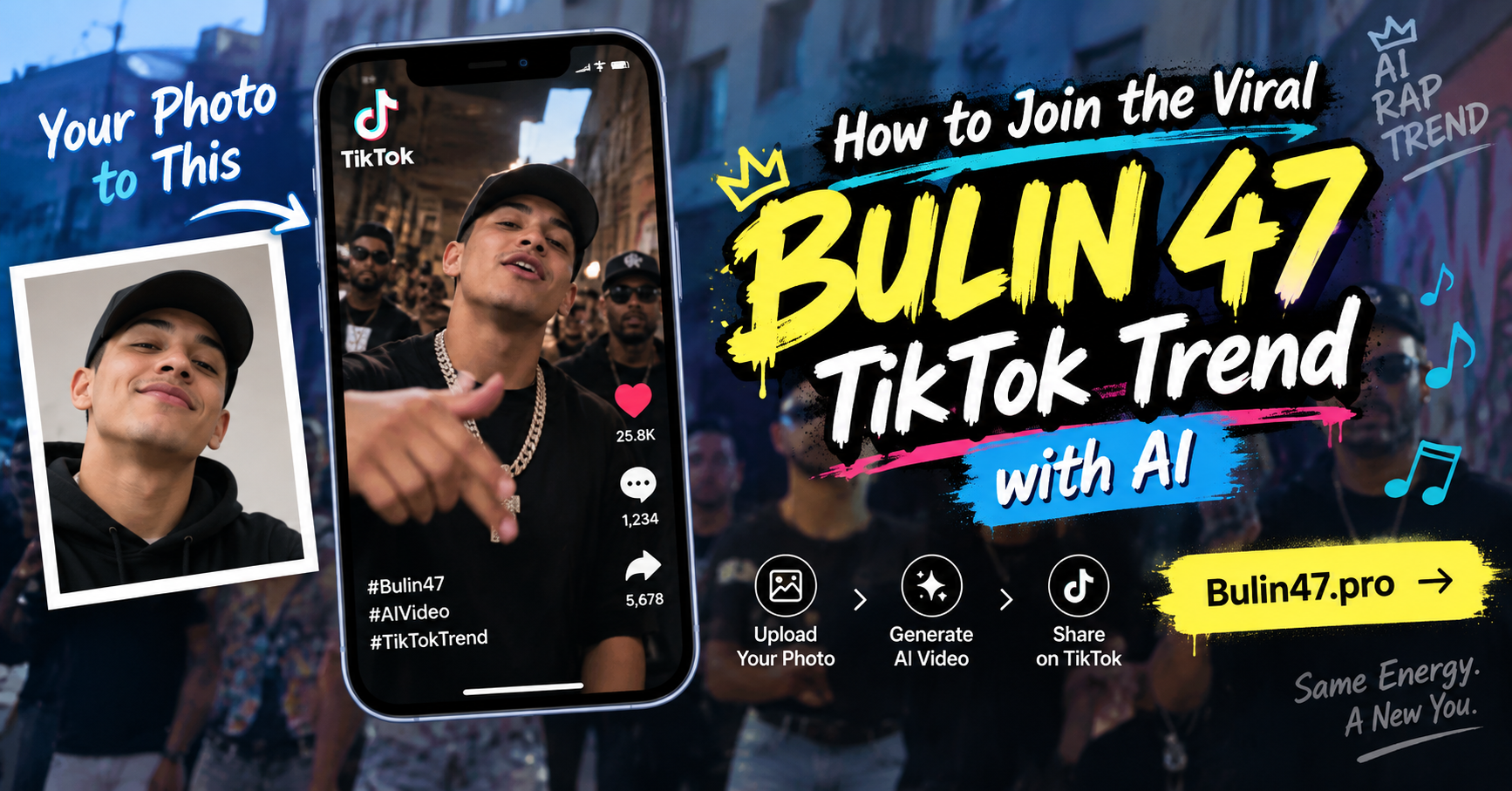
Cover: AI concept illustration supplied for this article, not a verified Bulin47.pro output. The mock social interface and engagement counts are illustrative. This is not an official collaboration with Bulin 47 or TikTok.
Put a new character into a familiar street freestyle performance. Start with one photo, generate an AI remix, and prepare the finished video for your own TikTok post.
The appeal of the Bulin 47 TikTok trend is the unexpected casting: a recognizable freestyle scene becomes a performance by someone entirely different. Your portrait—or an original character you designed—can become the starting point for that visual transformation.
You do not need to record yourself rapping or edit the original footage frame by frame. A reference-guided generator uses a photo to guide the character’s appearance and a supplied video to guide the performance. The result is a new AI interpretation, with the limitations that come with generated visuals.
This guide explains how that workflow works on Bulin47.pro, what a generation costs, and what to check before sharing your remix.
What Is the Bulin 47 TikTok Trend?
The format discussed here is the character-remix trend built around Bulin 47’s street freestyle performance with Kevin Wai. AI versions reinterpret the main performer as a different person or character while drawing on the reference clip’s movement and setting.
The creative hook is easy to understand: the scene feels familiar, but the lead character changes. A selfie, an illustrated portrait, or a fictional rap persona gives you a different starting point for the same performance.
Our video examples page shows third-party clips illustrating the wider remix trend. Those social media clips are references, not verified outputs generated by Bulin47.pro. There is no basis for assuming every video in this format was made with the same app.
Is this a face swap?
Bulin47.pro uses reference-guided video generation. It is not a promise to replace only the face while preserving every other pixel of the original footage.
The model generates new visuals from the character image and reference performance. Facial details, clothing, hands, background elements, and mouth movements can change. The goal is a character remix inspired by the performance; an exact likeness or frame-for-frame match is not guaranteed.
How to Make Your Own Bulin 47 AI Remix
1. Choose one clear character photo
Use a sharp portrait with one clearly visible face. Even lighting and a front-facing or slightly angled view give you a useful reference to assess against the result. Avoid group photos, heavy filters, blur, and objects covering the face.
The upload supports JPG, PNG, and WebP files up to 2 MB. Use your own photo, an original character image, or a photo you have permission to use. An illustration is a creative experiment: the model may reinterpret its style and details.
2. Upload and check the preview
Open the Bulin 47 AI Video Generator and upload your image. Check that you selected the intended photo before continuing.
The tool supplies the freestyle reference segment, so you do not need to upload a performance video or write a detailed prompt. Uploading and previewing your photo does not consume generation credits.
3. Choose a resolution and review the cost
The current options are:
| Quality | Credits per generation | When to choose it | | ------- | ---------------------: | ----------------------------------------------------- | | 480p | 1,000 | Experimenting with a character at a lower credit cost | | 720p | 2,000 | Requesting a higher-resolution result |
The current reference segment is approximately 15 seconds, and the tool requests a vertical 9:16 output. Review the duration and credit cost displayed in the generator before submitting.
There is no 1080p option or custom duration control. Choosing 720p increases resolution; it does not guarantee a more accurate face or better lip synchronization.
4. Sign in and start generation
You must sign in and have enough available credits for the selected quality. Gifted and purchased credits both count toward your balance.
Submit the generation after checking your photo and selected quality. Processing time depends on the video service and demand; there is no guaranteed completion time. A queued or processing task has not yet failed.
5. Review the video with sound
When the video finishes, inspect the face, expressions, hands, clothing, and scene throughout the clip. Turn on sound to review the relationship between the movement and soundtrack.
Bulin47.pro attaches the original reference audio to the generated visuals. It does not create your own rap voice, clone your voice, or write personalized lyrics. Generated mouth movements may not match every word.
A completed video can contain visual imperfections. If you decide to try another photo, that new generation uses additional credits.
6. Download from your generation history
Open Settings → Generate history to find your finished video and download it. Review the saved file before sharing it elsewhere.
For a fuller walkthrough, see How to Make a Bulin 47 AI Rap Video with Your Photo.
What Does It Cost to Join the Trend?
Bulin47.pro offers one-time credit packs, with no automatic subscription renewal:
| Pack | Price (USD) | Credits | Whole 480p videos | Whole 720p videos | | ---------- | ----------: | ------: | ----------------: | ----------------: | | Starter | $9.90 | 3,200 | 3 | 1 | | Pro | $19.90 | 6,600 | 6 | 3 | | Enterprise | $29.90 | 10,000 | 10 | 5 |
The two video-count columns are alternatives, not combined allowances. Each assumes you use the pack at only that quality. Unused credits stay in your balance and can contribute to another generation; mixed-quality generations draw from the same balance.
If a task is marked failed, deducted credits are returned. A successfully completed video with an imperfect likeness or unexpected visual details does not trigger an automatic credit return.
Check the pricing page and the generator’s displayed cost for current purchase options.
Prepare Your Remix for TikTok
Bulin47.pro does not publish directly to TikTok. Download the video and upload it yourself through your social media account.
Before posting, watch the saved file on your phone. Check the framing and whether the character remains visible throughout. If you add captions or overlays, keep them away from the face and other important action.
Make the AI origin clear. For example, you could write:
- “One photo, one AI freestyle remix. This is an AI-generated character video.”
- “POV: AI cast me in a Bulin 47-style street rap scene.”
- “Mi foto convertida en un remix de rap con IA.”
These are caption ideas, not claims about real performances. Avoid implying that you actually performed with the artist. Review TikTok’s current publishing requirements and make sure you have the necessary rights to the images and audio you share. Access to a generator does not itself grant a license to third-party material.
Hashtags such as #Bulin47, #Bulin47AI, #AIVideo, or #AIRap can describe a relevant post. They are not a guarantee of reach. Neither a particular caption nor an AI tool can promise that your video will go viral.
Character Ideas Worth Exploring
Your own freestyle remix: Start with a clear selfie and evaluate how the result interprets your appearance. This gives you a straightforward reference for judging likeness.
An original illustrated rapper: Try a character you designed. Treat the output as a new interpretation rather than expecting the drawing’s exact shapes and style to survive.
A fictional stage persona: Use an authorized image of a character with a distinctive look. A strong concept can make the remix easier for viewers to understand, although wardrobe details may change during generation.
These are suggested experiments, not verified examples produced by this website. Comparing multiple photos requires multiple generations, each with its own credit cost.
Frequently Asked Questions
Which app makes the Bulin 47 TikTok trend?
Different creators may use different workflows. Bulin47.pro is one dedicated option for generating a reference-guided character remix from a photo; we do not claim it made every example circulating online.
Can I use my own face?
Yes. Upload your portrait as the character reference. The model attempts to use that appearance, but exact facial consistency is not guaranteed.
Can I make the video for free?
Photo upload and preview do not spend credits. Generating a video requires enough available credits. Any gifted credits already in your account can be used, and one-time packs start at $9.90.
Will the video use my voice?
No. The finished remix uses the supplied reference audio. It does not turn your voice into a rap performance or generate custom lyrics.
How long is the video, and can I choose 1080p?
The current reference segment is approximately 15 seconds. The available qualities are 480p and 720p, with vertical 9:16 output requested. There is no 1080p or custom-length option.
What if generation fails?
Credits are returned when a task is marked failed. A task still processing needs to reach a final status. Visual imperfections in a completed result do not automatically qualify for a credit return.
Does it post to TikTok for me?
No. Download your video from Generate history and upload it yourself. Review the file, identify it as AI-generated, and check your rights to the content before publishing.
Is Bulin47.pro affiliated with the performers or TikTok?
No. Bulin47.pro is an independent AI remix tool, not an official product of Bulin 47, Kevin Wai, TikTok, or Instagram.
Create Your First Character Remix
Start with one clear photo, choose the quality that fits your credit balance, and review the full result with sound before sharing. The interesting part is your character’s interpretation of the scene—not a promise of a perfect likeness or a viral post.
Create a Bulin 47 AI video, or compare the credit packs before you begin.