Best Photo for a Bulin 47 AI Video, and How to Keep the Original Audio
A checklist for choosing the photo that gives the best Bulin 47 AI remix, file limits, common mistakes, and how original audio is kept on the finished video.
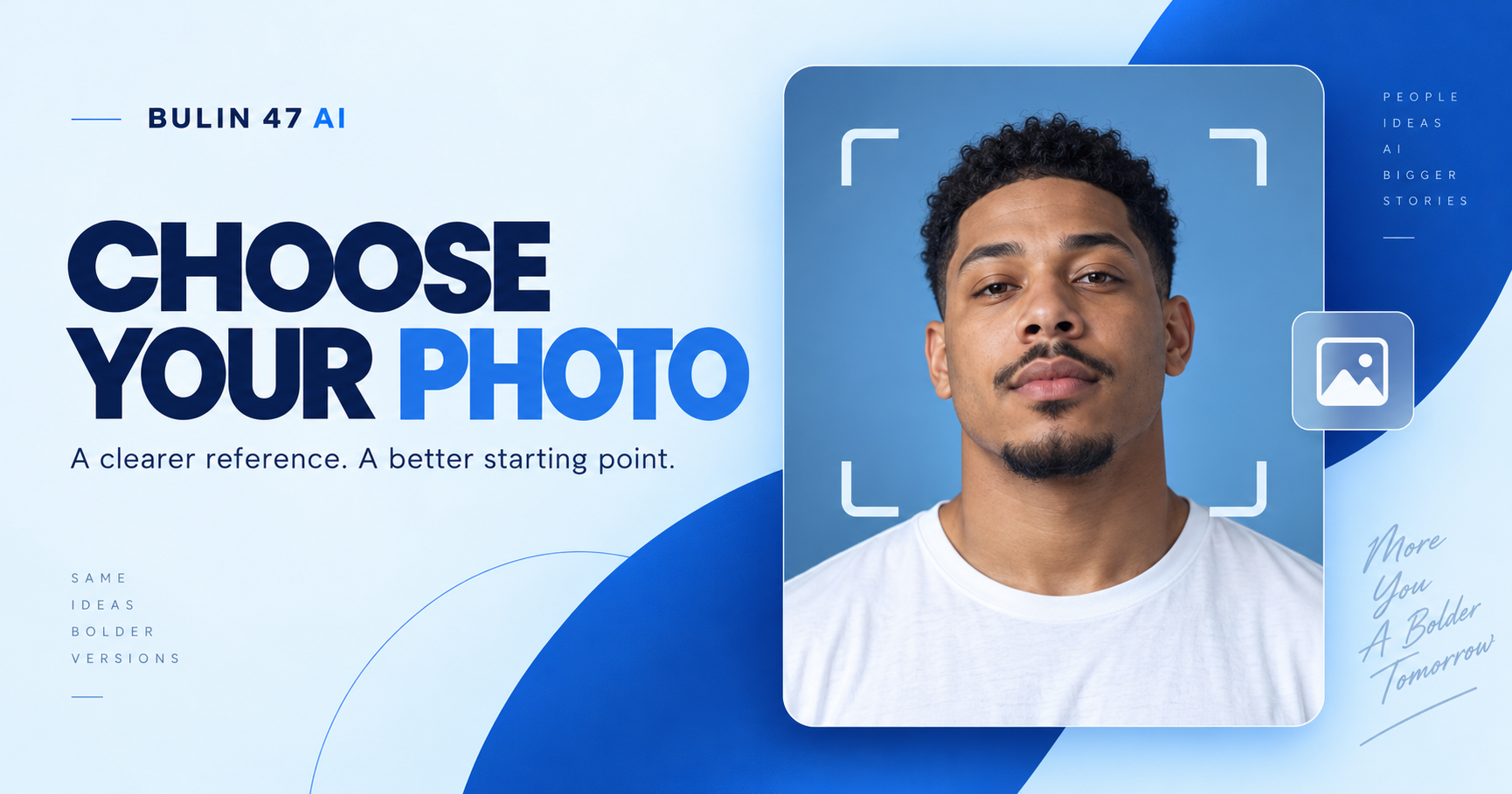
The best photo is a sharp, well-lit, front-facing portrait with one clearly visible face. The input photo has more effect on the result than anything else you control, so it is worth a minute to choose it.
This guide covers the photo checklist, the file limits, the mistakes that waste credits, and how the original audio ends up on the finished video.
The photo checklist
A good Bulin 47 character reference has:
- One face. Group photos make it unclear who should become the performer.
- A front-facing or nearly front-facing angle. Strong side angles give the AI less to work with.
- Even, natural lighting. Hard shadows across the face, strong backlight and night photos reduce detail.
- Sharp facial detail. Skip photos that are blurry, tiny or heavily compressed.
- Little that hides the face. Sunglasses, masks, hands, hats pulled low and long fringe cover features the model needs.
- A simple background. It is easier to judge the result when the subject stands out.
- Minimal filters. Heavy beauty filters change facial structure and can produce an unconvincing likeness.
Half-body shots usually give the model more to work with than a very tight crop of the face alone, because clothing and shoulders are visible.
File limits
The generator accepts JPG, PNG and WebP files up to 2 MB.
- If the file is larger, export a smaller copy and re-check the face. Reduce size gradually, because heavy compression removes facial detail.
- If your phone saves HEIC, export it as JPG, PNG or WebP. Renaming the extension does not convert the file.
- Avoid saving the same compressed image over and over.
You can upload a photo and preview it before generating. Preview does not use credits.
Photos that waste credits
| Problem | Why it hurts |
|---|---|
| Several people in one photo | The AI may pick the wrong person or blend features |
| Face very small in the frame | Too little facial detail |
| Sunglasses or a mask | Hides key features |
| Heavy filter or face-smoothing | Changes the face you wanted to see |
| Illustration or cartoon | Style and details may be reinterpreted |
| Someone else's photo | You need their permission |
An illustration is a fair creative experiment, but expect the model to reinterpret its style and details.
A quick test before you spend credits
- Hold the photo at a small size. If you cannot tell who it is at thumbnail size, the model will likely struggle.
- Check the face edges. Hair, hands or objects crossing the face are a warning sign.
- Start with the cheaper 480p output (1,000 credits) to judge the likeness, then use 720p (2,000 credits) only for a photo that works. See what a Bulin 47 AI video costs.
How the original audio is kept
Many AI video generators return silent clips or generate their own music. Bulin47.pro works differently: it takes the original soundtrack of the reference clip and attaches it to the generated video. The audio is the clip's own, not a new track and not your voice.
Because the visuals are generated, mouth movement and timing can drift slightly from the original sound. When you review the result, check lip movement and timing against the audio.
If you are keeping audio yourself
For any AI video where the generator drops the sound, the usual approach is to keep the audio from your source clip and attach it to the output in an editor. With FFmpeg, one common command is:
ffmpeg -i generated.mp4 -i original.mp4 -map 0:v -map 1:a -c:v copy -shortest output.mp4
This copies the video from generated.mp4 and the audio from original.mp4 without re-encoding the video. -shortest stops at the shorter of the two. Only reuse audio you have the right to use.
Photo permission and rights
Use your own photo, an original character, or an image you have permission to use. Bulin47.pro is an independent tool and is not affiliated with Bulin 47, Kevin Wai, TikTok or Instagram. Check platform rules and the rights to the sound before posting, especially for commercial use.
Try it
When your photo is ready, open the Bulin 47 AI Video Generator, upload it and preview it. For the full process, see How to Make the Bulin 47 AI Video (Step by Step).
FAQ
What photo works best?
A sharp, evenly lit, front-facing portrait with one visible face and nothing covering it.
What file types and sizes are supported?
JPG, PNG and WebP, up to 2 MB.
Can I use a group photo?
It is not recommended. Use a photo with one clearly visible face.
Can I use a cartoon or an AI-generated image?
You can try, but the model may reinterpret its style and details.
Does the finished video keep the original audio?
Yes. The generator attaches the reference clip's original soundtrack to the generated visuals.
How do I keep original audio from an AI video in general?
If the generator drops the sound, attach the audio from your source clip to the new video in an editor or with a tool such as FFmpeg, and only use audio you have the right to use.